
>

cYbR_P0RtAL_555

RESTRICTED

OBSDN_888_CONTAMINATED_AREA

ENTER CLARENCE KEY:

VERIFIED BY TRUSTED PATRIOTS

CLARENCE: OBSDN_888

ACCESS CONFIRMED


[ DOWNLOAD_OBSDN_VST ] [ DOWNLOAD_OBSDN_W/O_VST ]

File size: [86KB] | Format: .ZIP


INSTRUCTION FOR SUCCESSFUL CONTAINMENT

  • turn off windows antivirus (we'll turn it on again later. it will delete the .exe file otherwise)
  • unzip and extract
  • keep compressed folder for backup
  • cut the folder (but with vst support)
  • go to C:/program files/synthesizer V studio pro
  • paste folder
  • copy .exe & .dll files from the pasted folder
  • paste them in the same directory as above
  • run .exe file
  • click more options
  • run anyway
  • do synth V setup and load any voice banks
  • if vst version open your DAW & confirm the process was successful
  • whitelist the synth V directory in windows antivirus (and any other antivirus)
  • restore the windows antivirus to your preferred setting
  • enjoy
close navi

navi

This page is currently wip go back

Please do not share this webpage, these instructions, or any references to this website hosting Obsidian or Sharp on public forums such as r/vocatorrent. I will remove the files if I see this happening. If you wish to share the download link please do it in DMs or invite only forums.

/WINDOWS

/SHARP

I have got the Sharp crack too but due to the size of the file, even after archiving (making it .zip), it exceeds the maximum filesize for my webhost. Due to concerns about filesharing links getting taken down Sharp is upon request only. You can contact me via social media, though there are some rules. The windows installation for Sharp is as simple as running the install exe file that you are given.

/LINUX

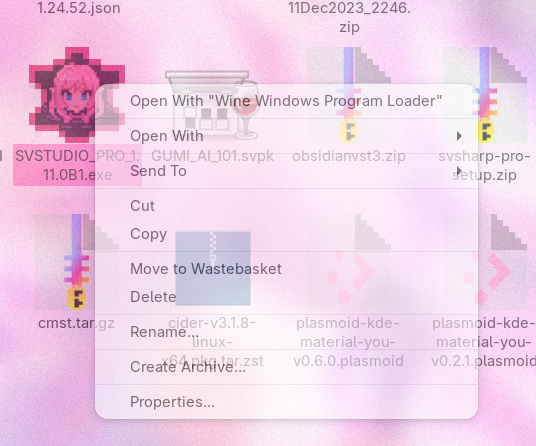
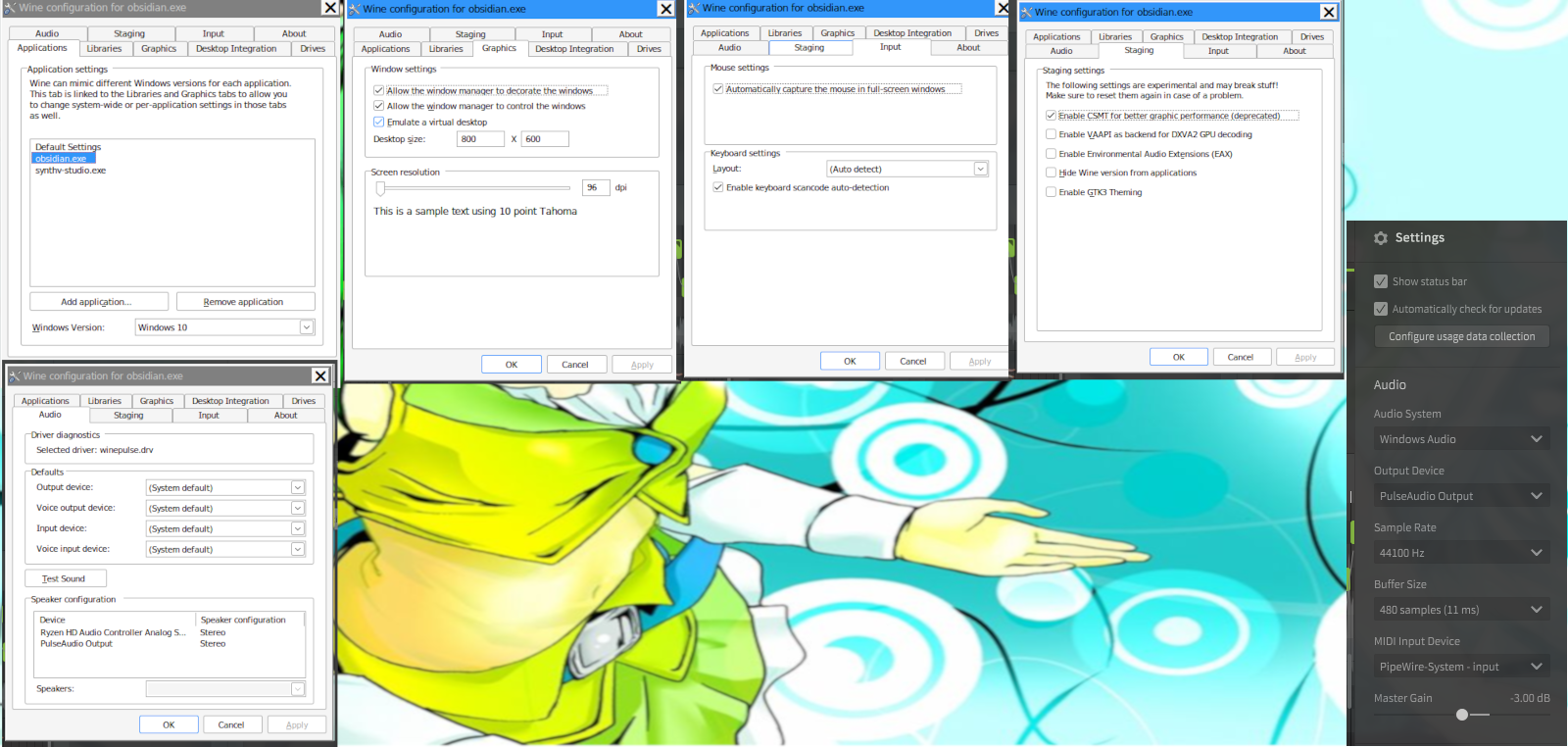
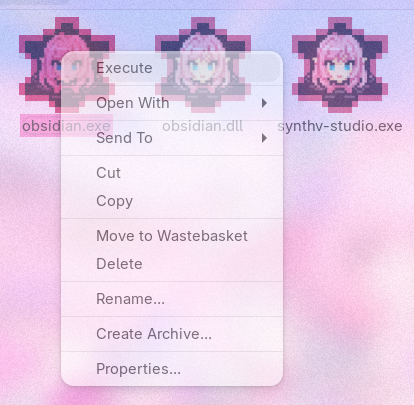
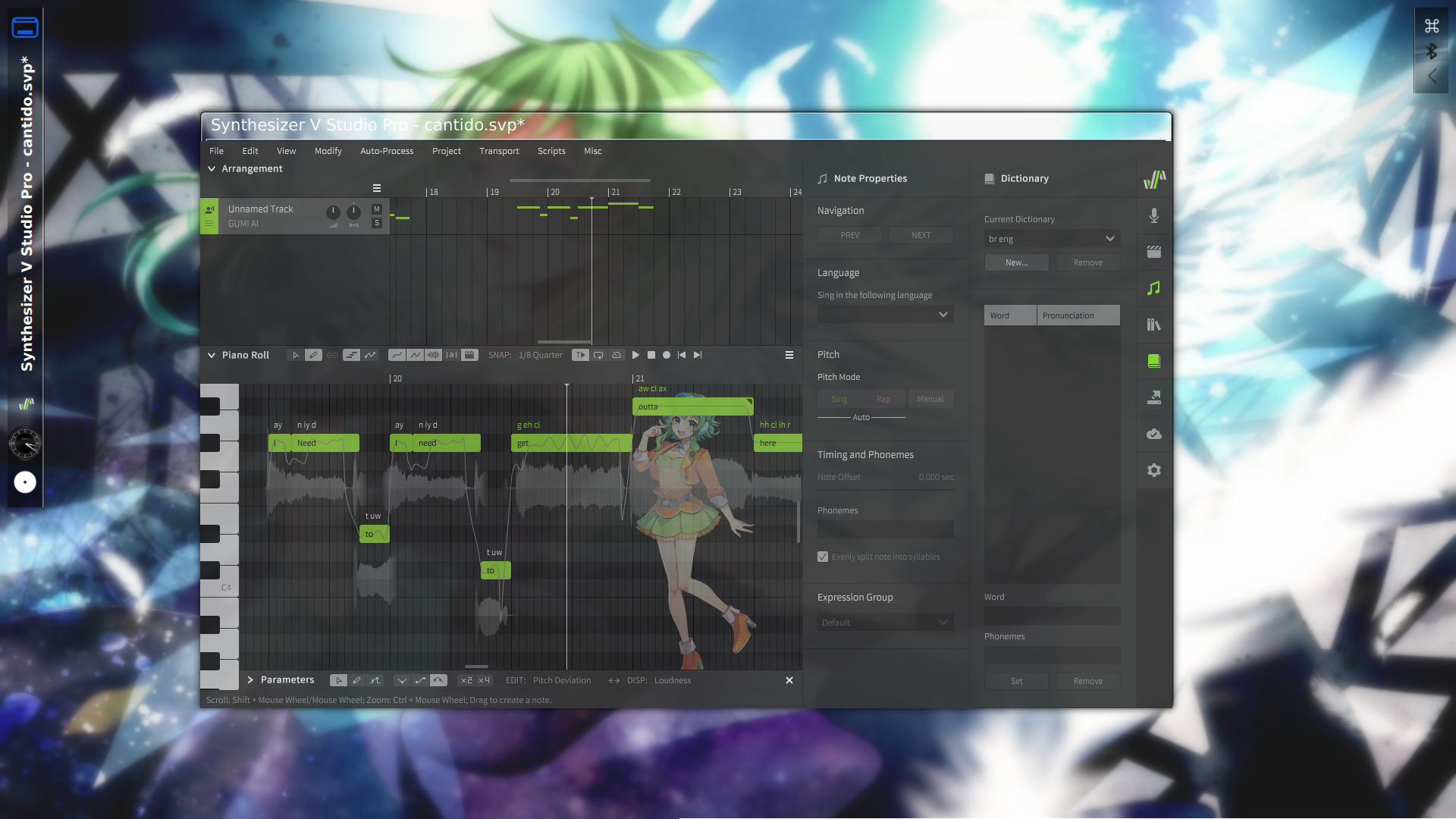
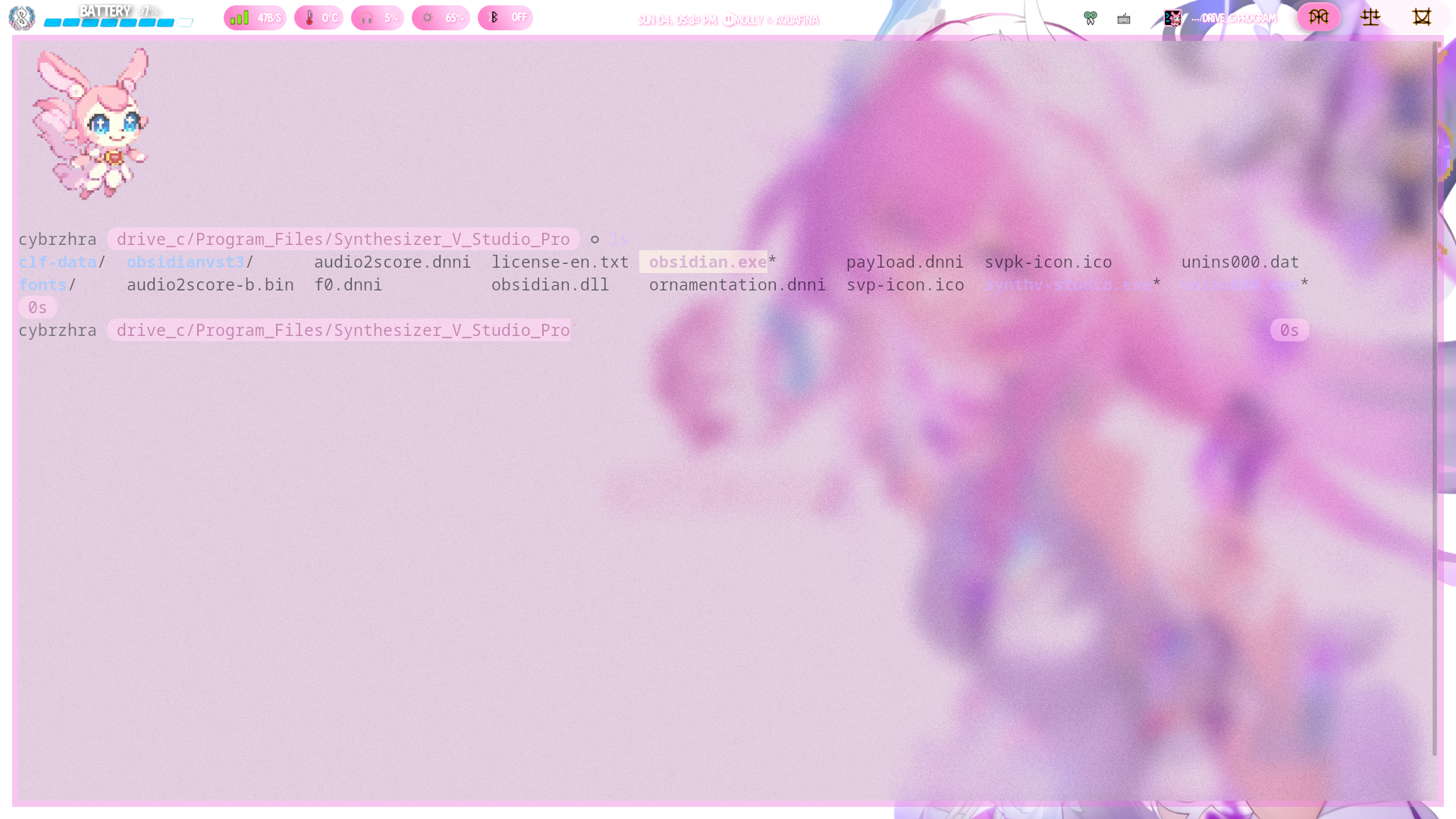
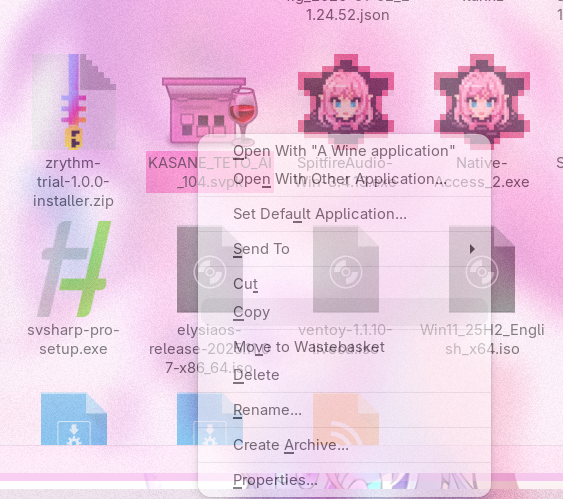
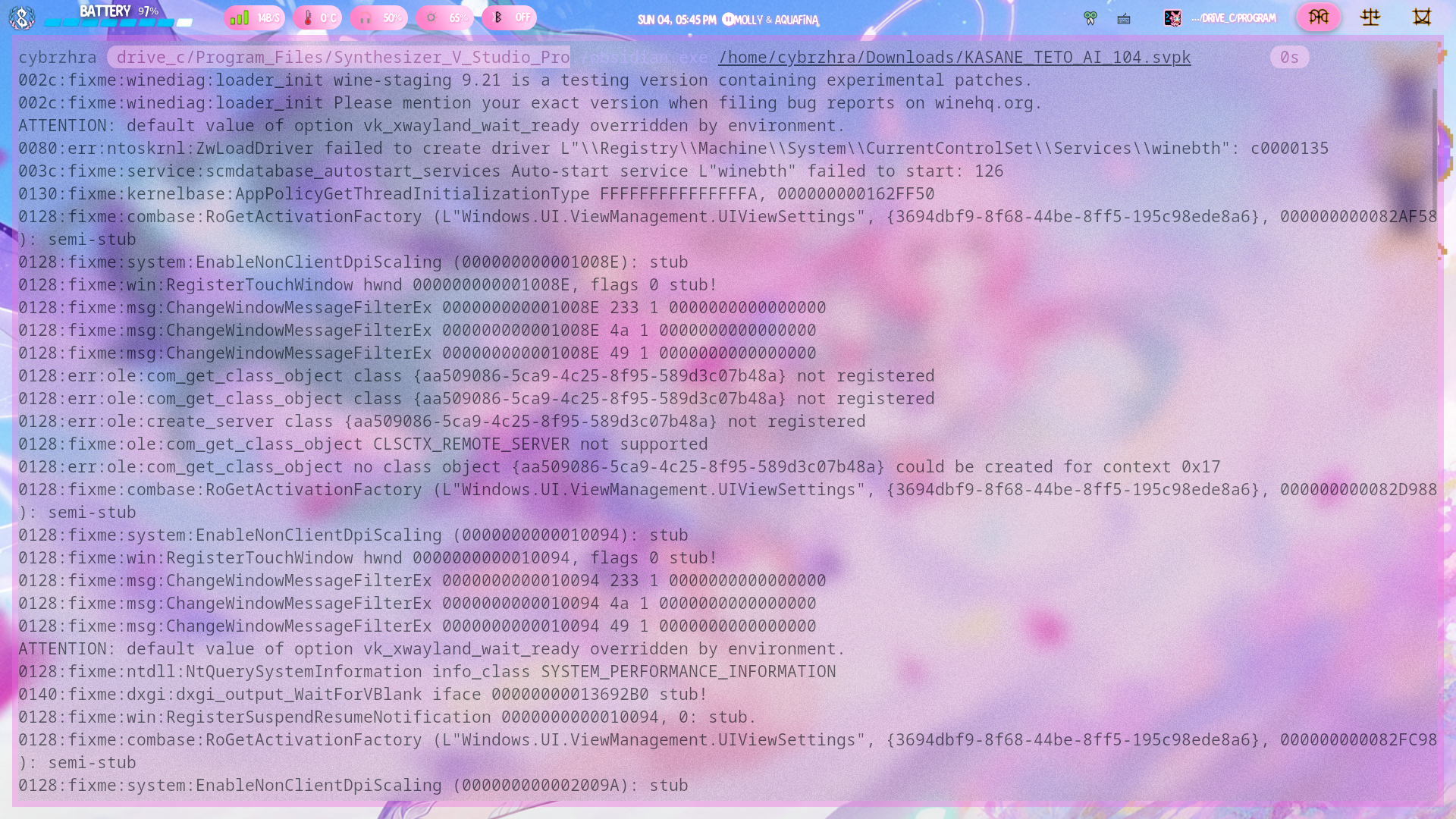
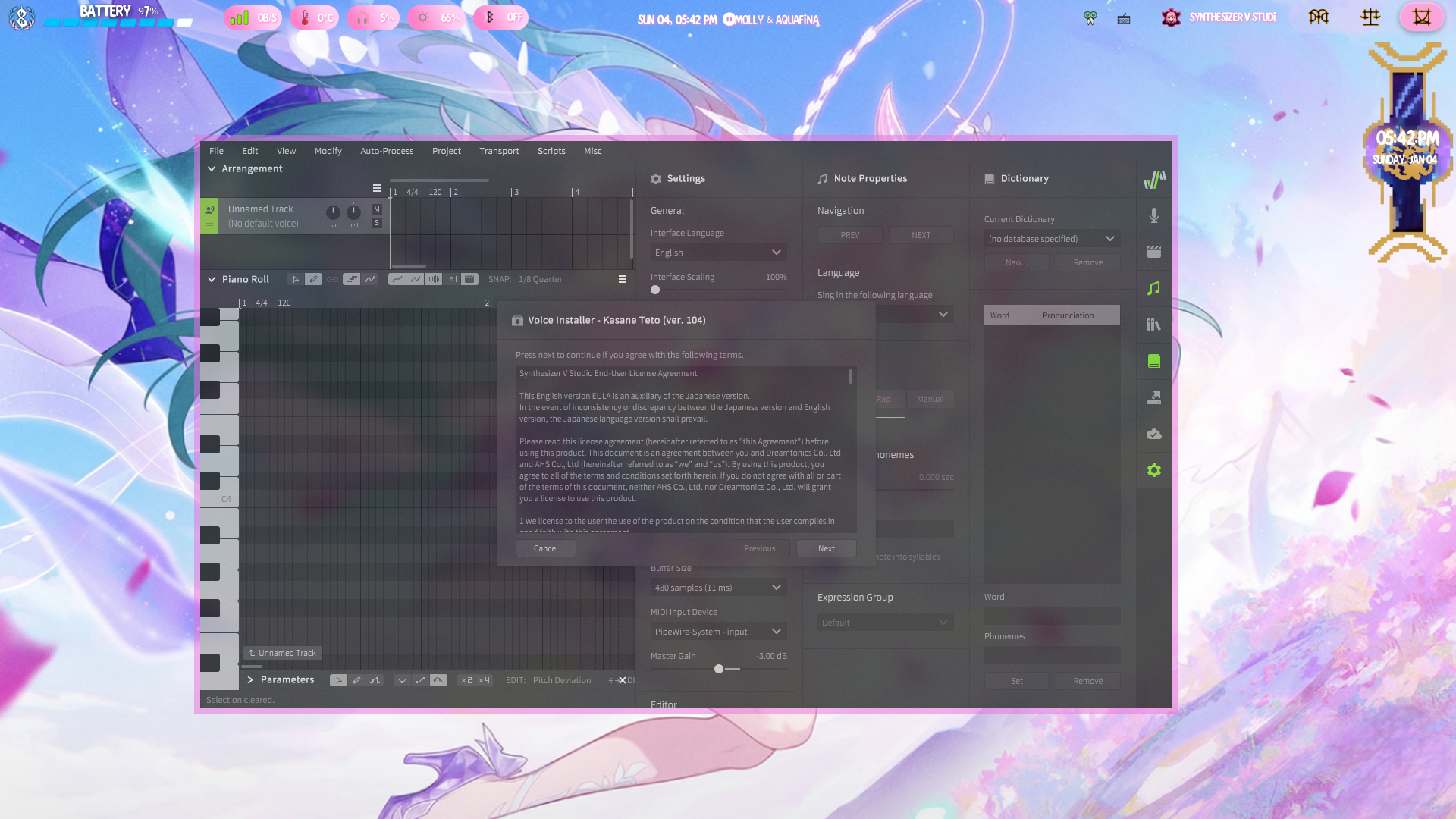
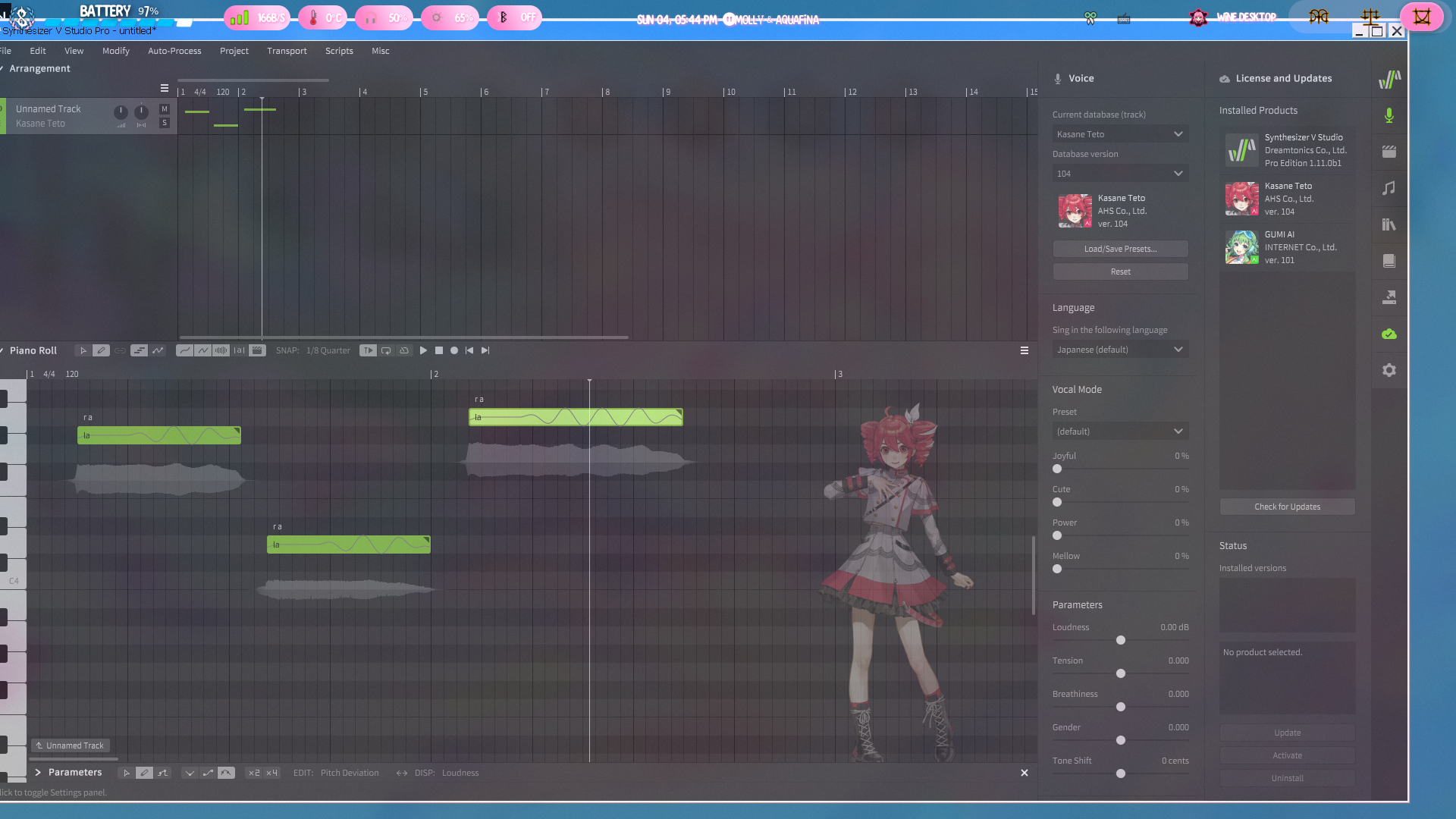
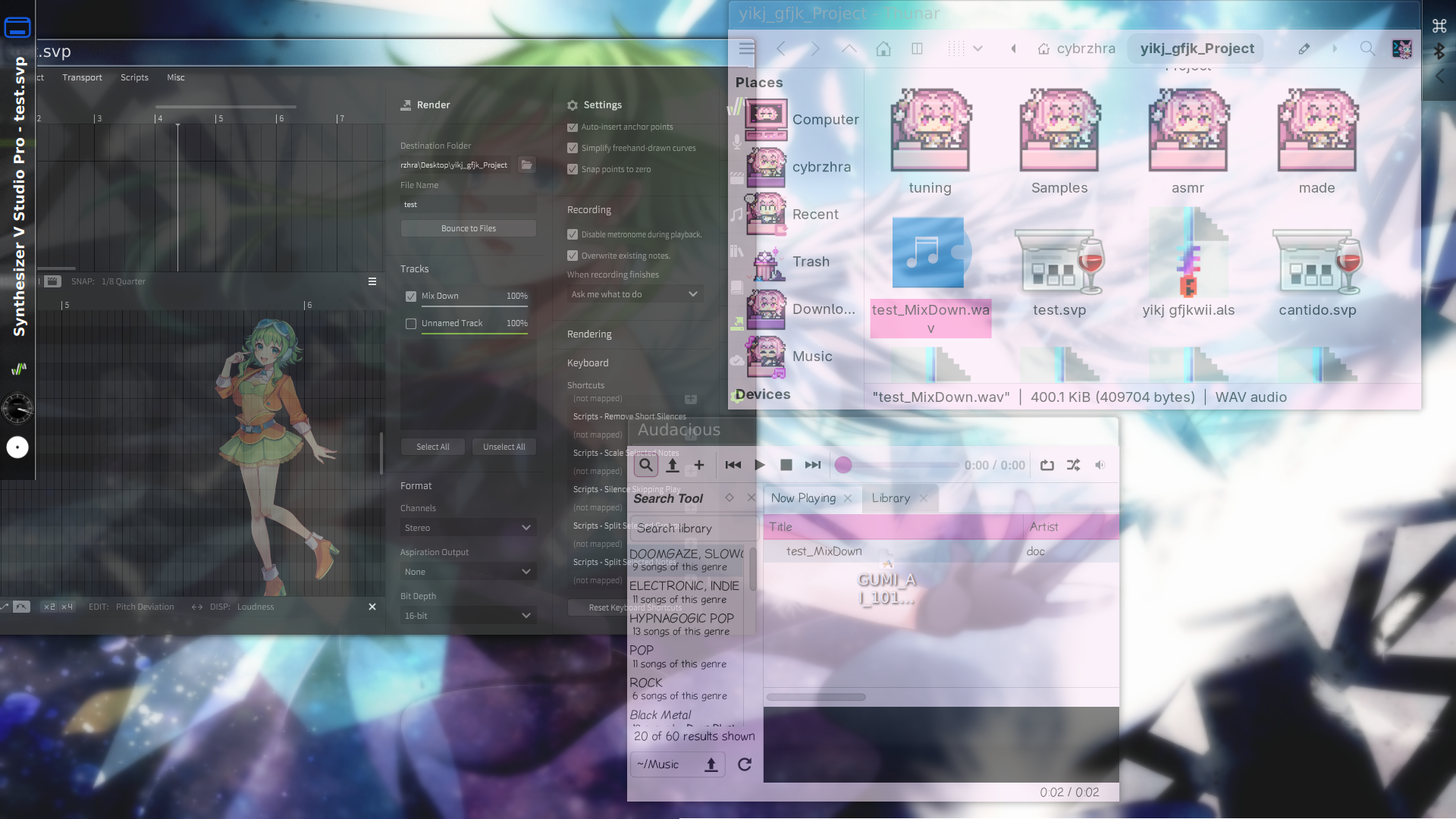
Below are instructions on running both obsidian and sharp on linux obsidian specific steps are with red text on an off white background, shared instructions are with the current presentation The wine settings I used to get SV working on linux conflict with yabridge. If you require yabridge I would either not follow my instructions or download SV on a different boot or computer to yabridge. There's an issue I've experienced running these wine settings on hyprland where the titlebar for SV escapes behind my topbar. I would reccomend using a fully fledged DE over a window tiling manager for SV though both are possible and I switch between both in the tutorial.

/OTHERS

I'm looking into adding a vocaloid X software to my collection, though because I've now fully switched to linux full time I will not be able to provide instructions for windows for anything added after Sharp